Hola a tod@s
In this opportunity, I would like to show you how to update the version of the Object First OOTBI VSA appliance. I previously demonstrated how to perform the initial implementation of this product. You can find the article here. Here
Starting with the vCenter portal, find the virtual machine instance so that you can access the OOTBI text user interface.
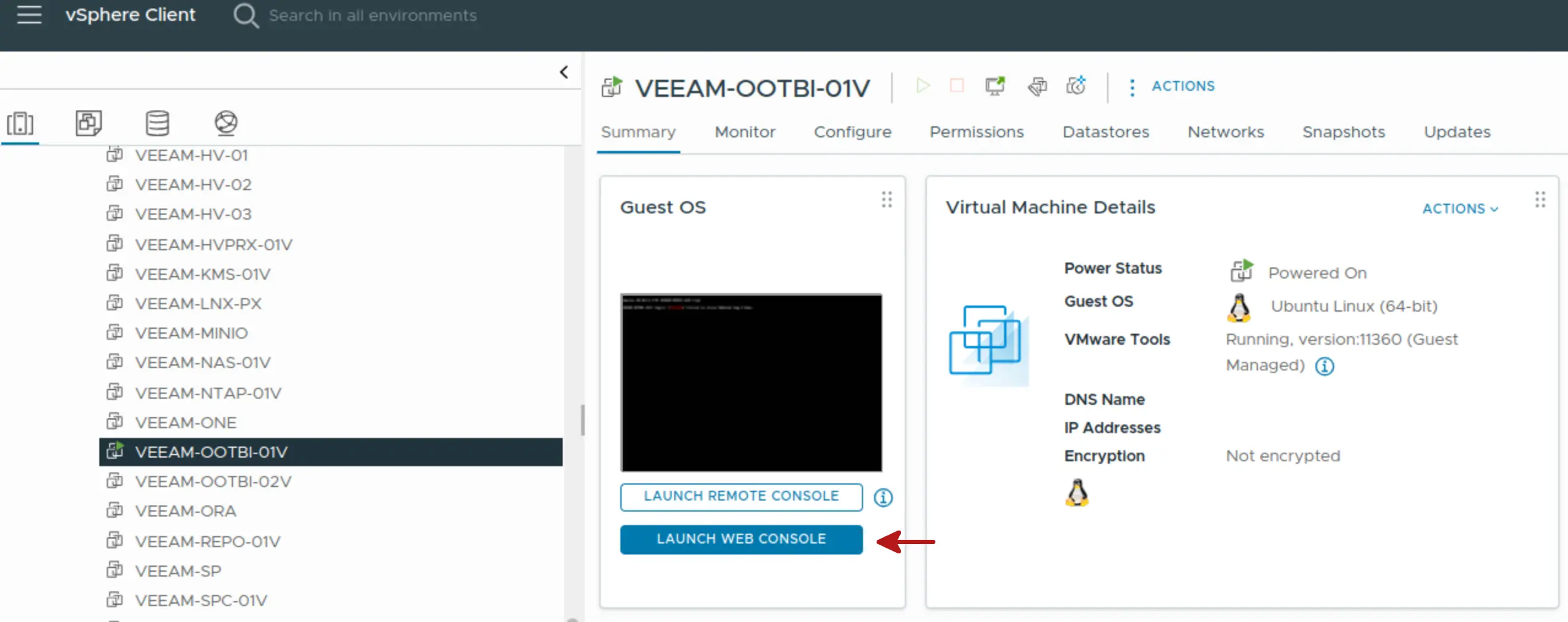
After that, we proceed with the following steps:
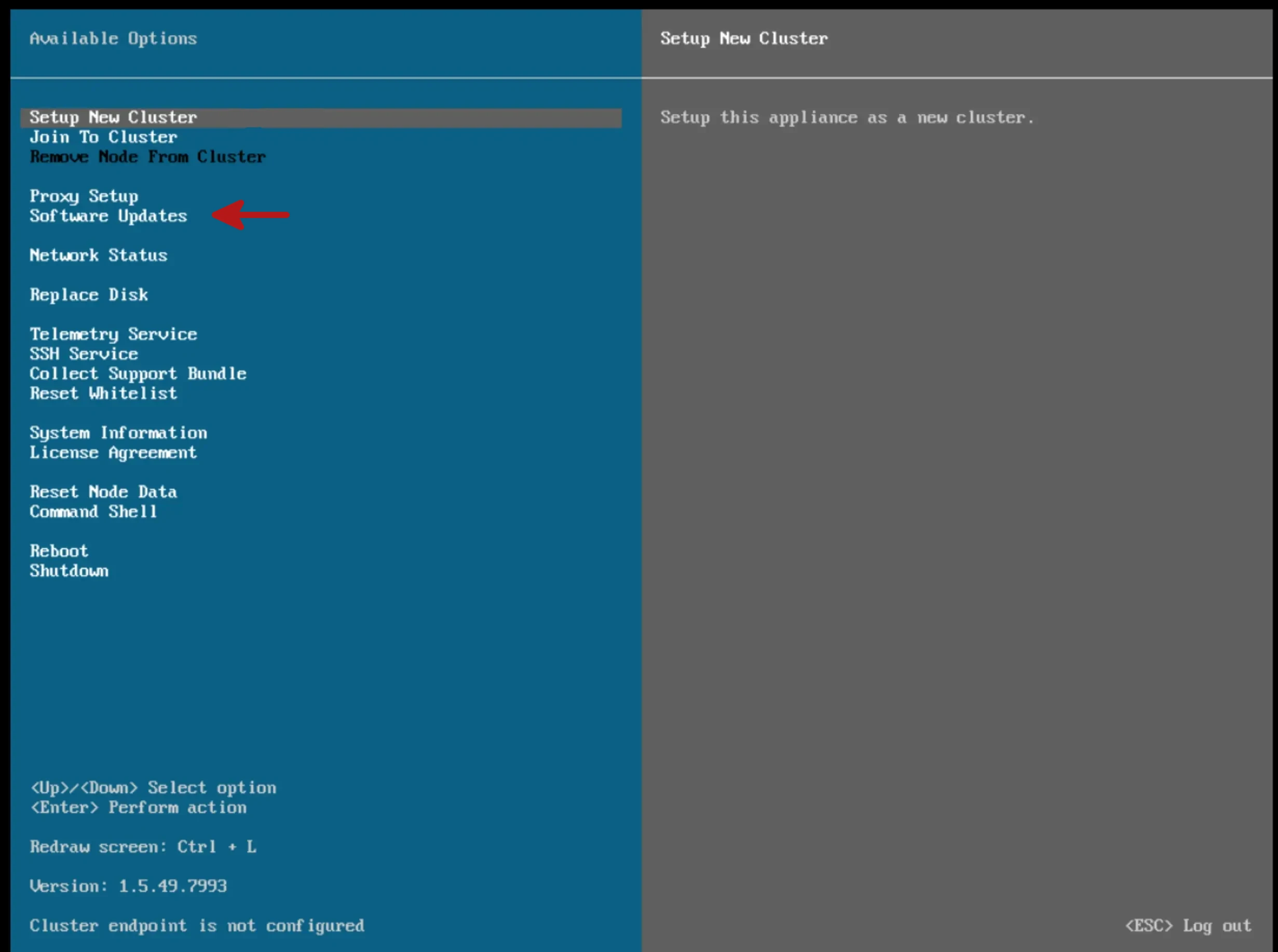
Step 1: Access the OOTBI console (TUI)
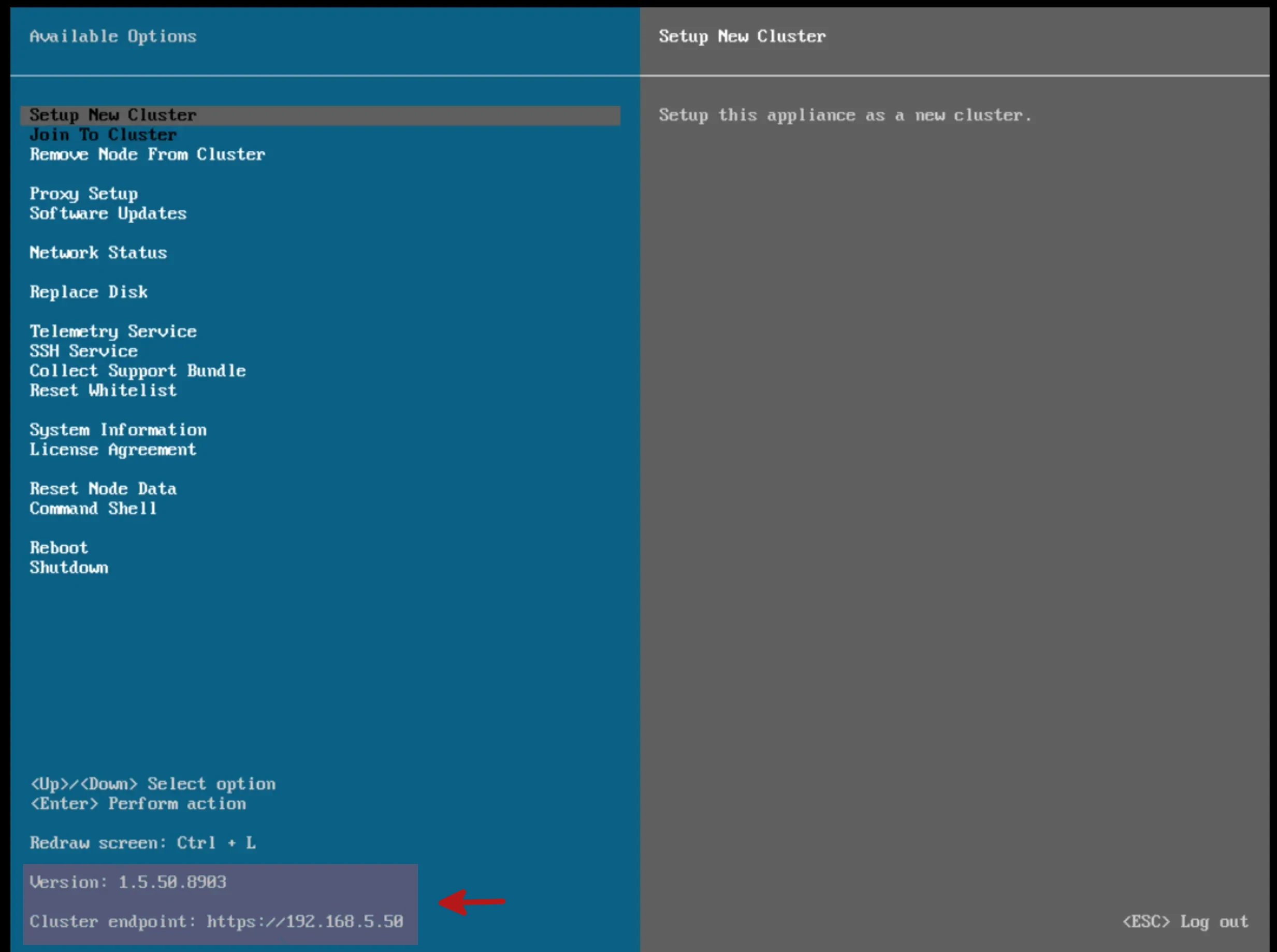
In this step you’ll access the OOTBI management console where you’re going to select the Software Updates from the text menu.
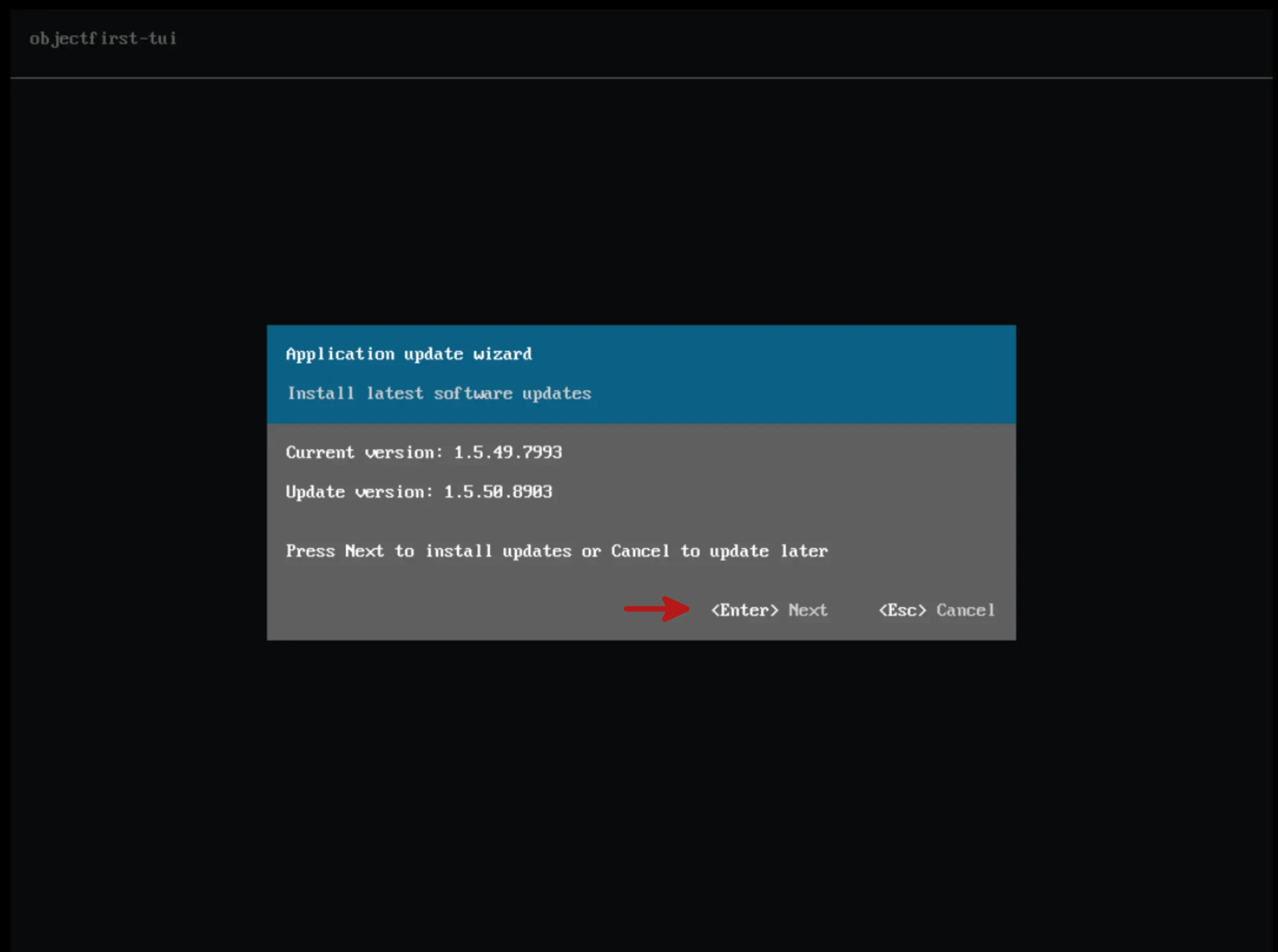
Step 2: Accept update changes
If the wizard finds a new version, it will notify you to accept the changes by pressing the Enter option.
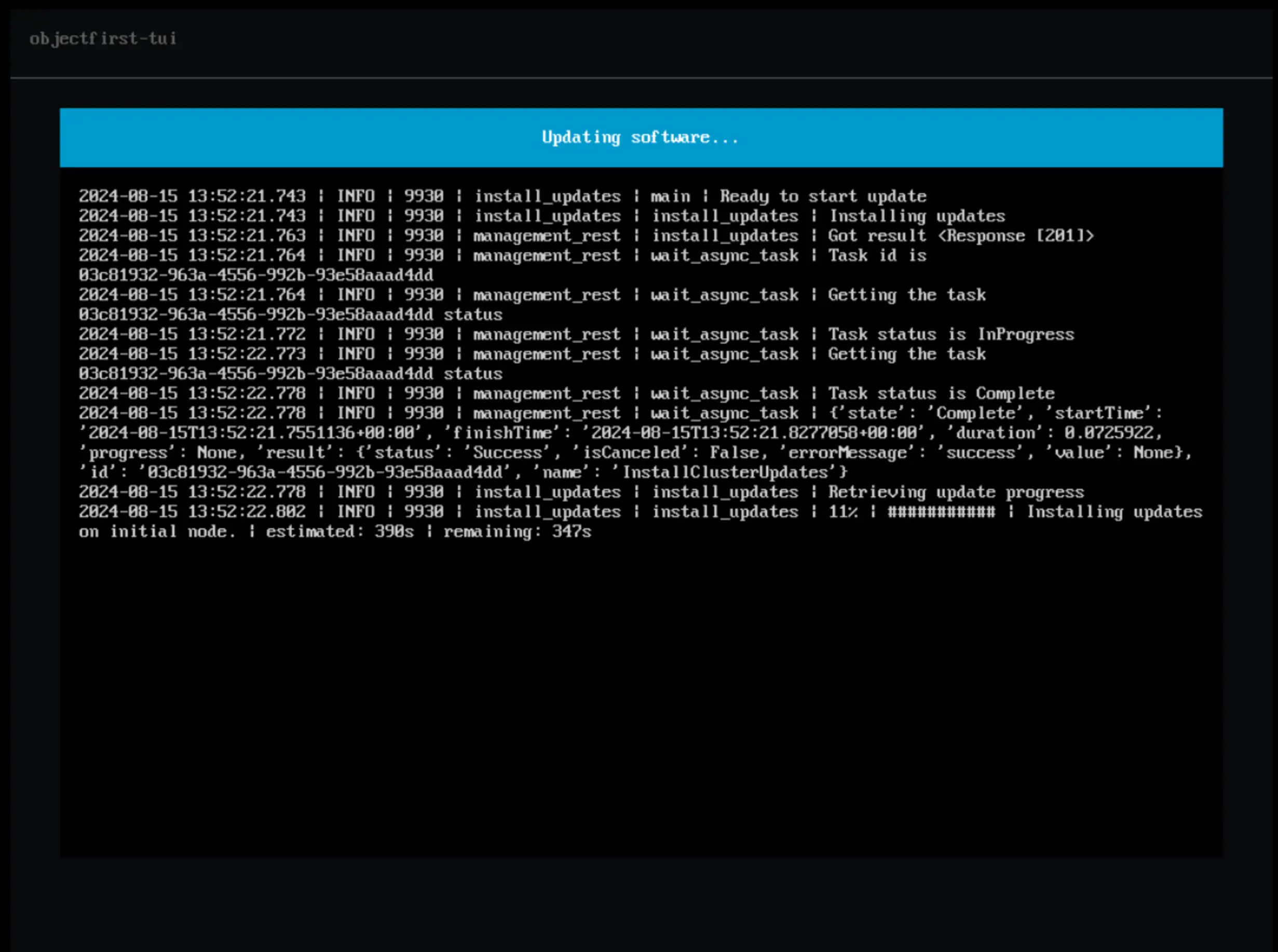
Step 3: Installation of updates
At this step you can see the progress of the update.
Step 4: Culmination of the update process
Once the upgrade process is completed, you will see at the bottom that the product version has been upgraded.
That’s all folk’s
In this post I show you how easy it is to install the Object First virtual appliance updates. If you have any doubts or questions about this post, leave them in the comments.
Hasta la Próxima!